Home Security Cameras in Trinidad
Know who's at the gate before you open it, and check on home from work or abroad. We'll connect you with a local installer who covers the spots that matter at your house and keeps the setup simple to use.
- Site check and price before installation
- Local CCTV installers across Trinidad
- Calls taken 7 days a week
Home Security Cameras
Where home cameras usually go
- The front gate and the road outside
- The driveway and parked cars
- The front and back doors
- Side passages and the back yard
- Burglar-proofed windows at ground level
- Inside, if you want to check on kids, elders or pets
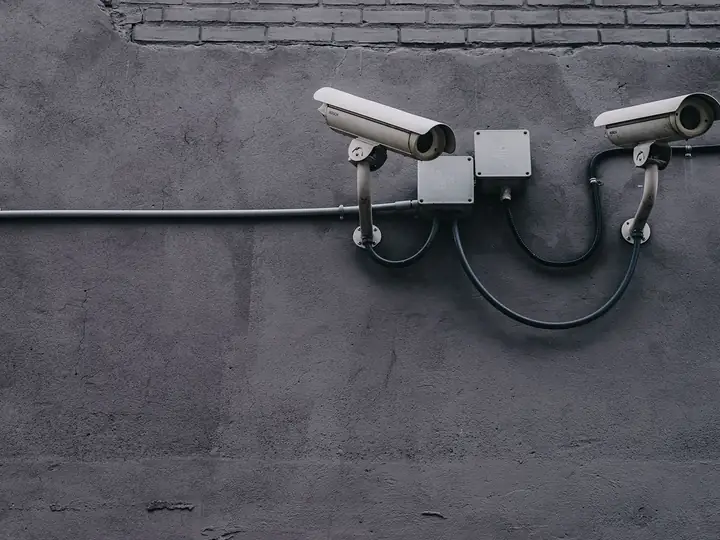
Hide the recorder
If a thief can take the recorder, they take the footage too. Keep it in a locked cupboard or ceiling space, and turn on phone backup if your system has it.
Tips for a home system
Cover every way in: gate, doors and side passages.
Mount cameras high enough to be hard to reach, but still see faces.
Keep the recorder hidden or locked away.
Use backup power so recording continues in a power cut.
Camera coverage
Where should your cameras go?
Most break-ins come through the same few places. Tap each spot to see why it matters and what kind of camera suits it.
Gate
The gate is where visitors and intruders first arrive. A camera here should see faces and the road.
- Mount at a height that sees faces
- Pair with a video intercom
- Night vision for after dark
Driveway
Covers parked cars and anyone walking up. Wider lenses work well here.
- Wide view of cars and the yard
- Good place for a motion alert
- Light the area for clearer night images
Front door
The best spot to catch a clear face, since everyone stops at the door.
- Doorbell camera or a camera above the door
- Face height matters
- Protect it from rain and sun
Back & sides
Break-ins often come from the back yard or a side passage where neighbours can't see.
- Cover side passages and back doors
- Watch burglar-proofed windows
- Hard-to-reach mounting height
Recorder
The recorder stores the footage. If it's stolen or loses power, the footage is gone.
- Hide it or lock it away
- Backup power for power cuts
- Phone app for viewing and alerts
Camera planner
How many cameras do you need?
Tick the areas you want covered and get a rough camera count and a checklist to send to an installer.
About 1 to 2 cameras
A rough guide. An installer will confirm the number and type of cameras after a site check.
Service areas
Home Security Cameras near you
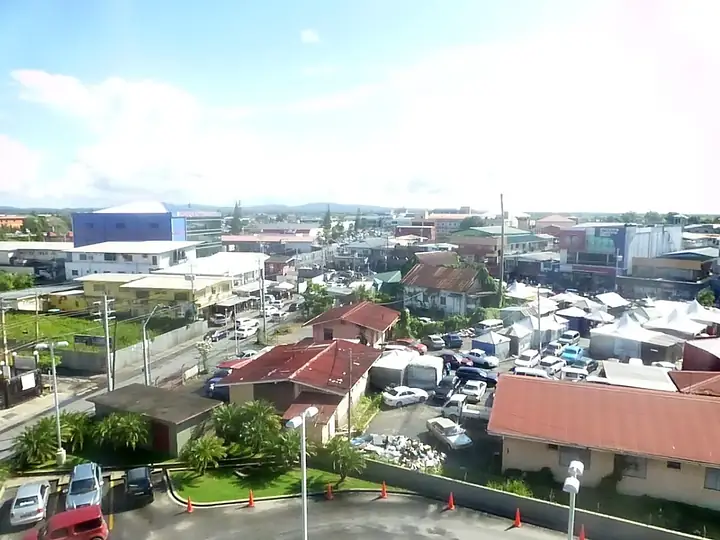
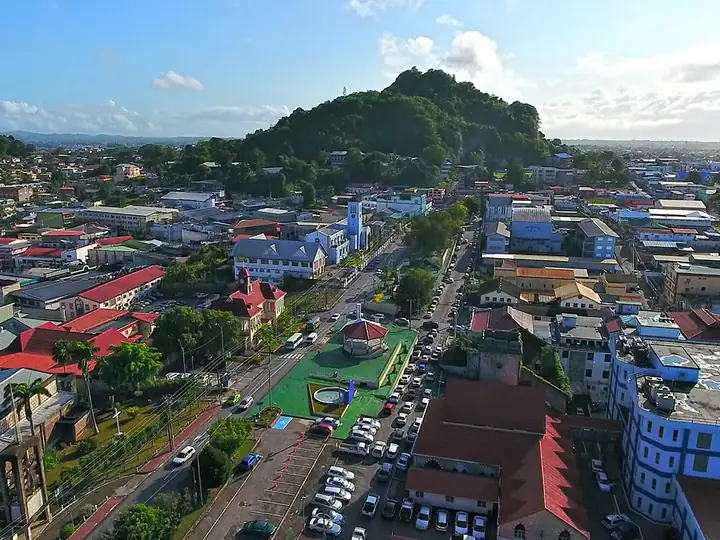
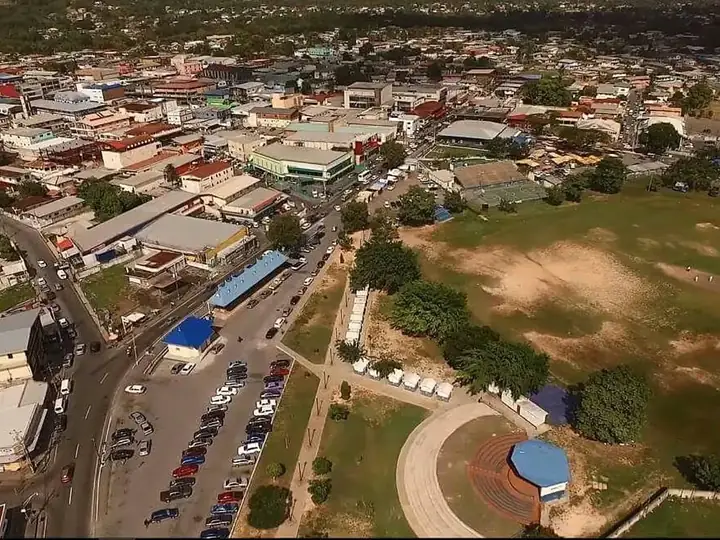
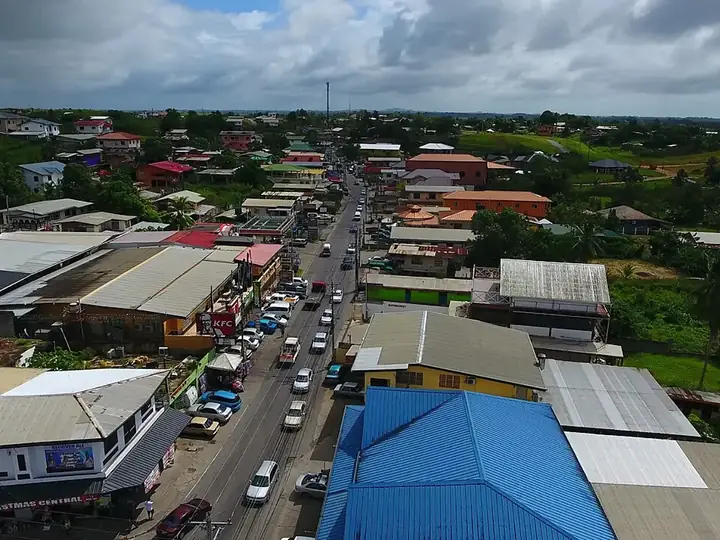
Local CCTV installers for home security cameras in these areas and the towns around them.


Questions
Home Security Cameras: common questions
How many cameras does a house need?
Many homes start with three to five: gate, driveway, front door and back. Try the camera planner above.
Wired or Wi-Fi cameras?
Wired cameras are more reliable and don't need charging. Wi-Fi cameras are easier to add but depend on a good signal.
Can I see the cameras when I'm abroad?
Yes, with an internet connection at the house and the phone app.
Other CCTV services
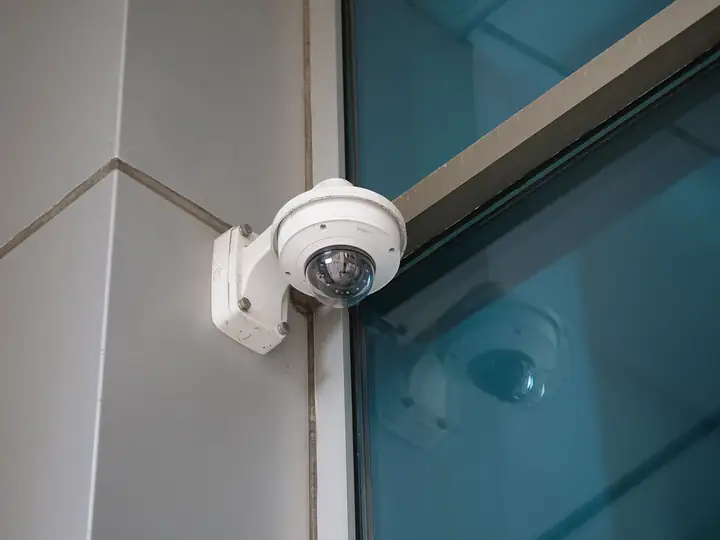
CCTV Installation
Complete camera systems planned, installed and set up for phone viewing.
Learn more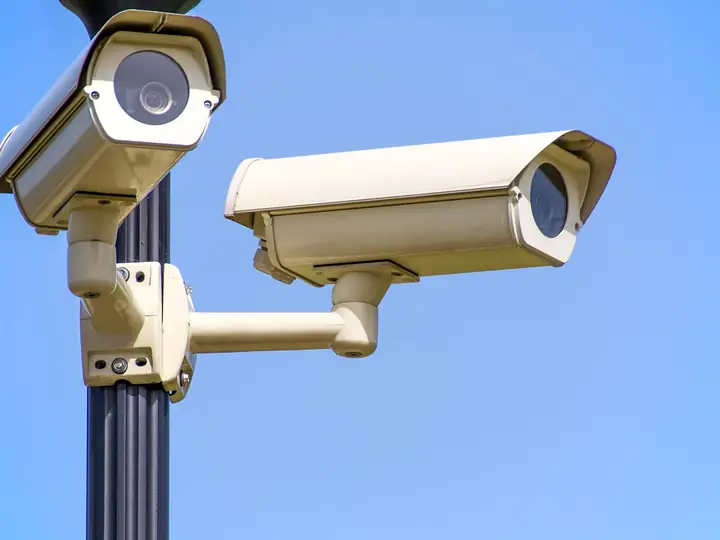
Business CCTV
Shops, offices, warehouses and restaurants covered inside and out.
Learn more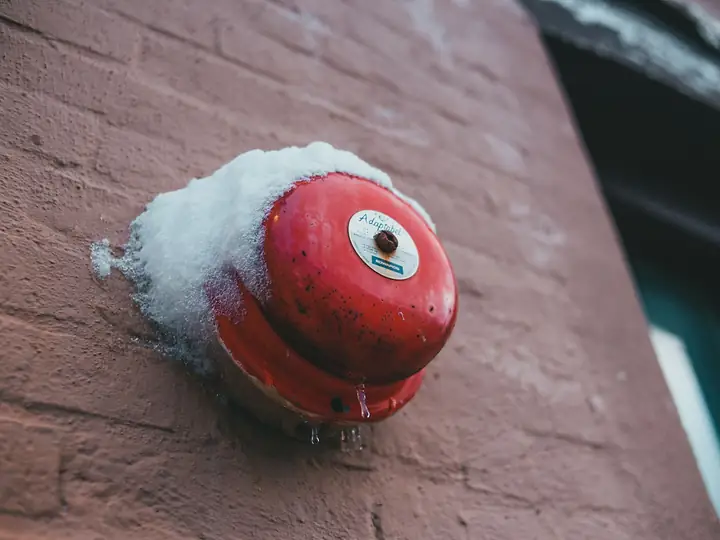
Alarm Systems
Door and window sensors, motion detectors and sirens, linked to your phone.
Learn more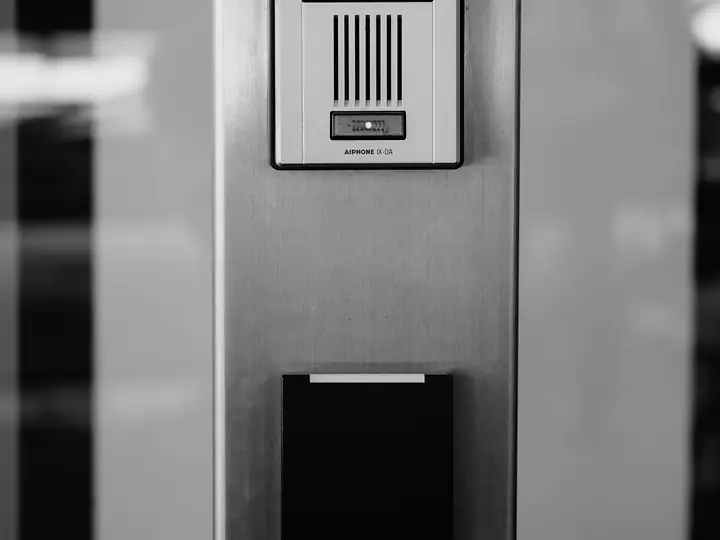
Video Intercoms & Doorbells
See and talk to whoever is at the gate before you open it.
Learn more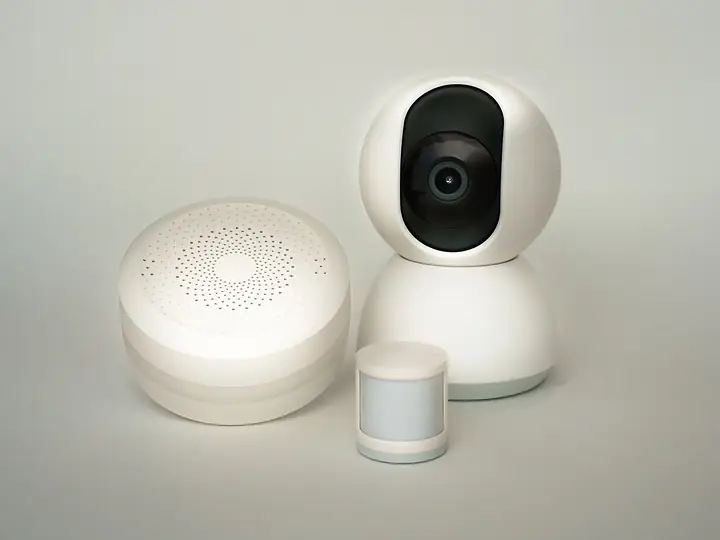
CCTV Repair & Upgrade
Dead cameras, full recorders and old analog systems fixed or upgraded.
Learn moreNeed home security cameras? Get a quote.
Calls and WhatsApp messages answered 7 days a week.